
Official Website
- Chinese: https://www.bitbrowser.cn/?code=5df4f4ec
- Languages around the world: https://www.bitbrowser.net/?code=5df4f4ec
What does BitBrowser do?
BitBrowser runs many browser windows in parallel, each with an independent fingerprint and proxy IP, so multiple accounts on Facebook, TikTok, X, WhatsApp and other platforms stay isolated from one another. Each window simulates its own device profile and network, which prevents the platforms from associating those accounts via shared signals. The build is based on the Chromium and Firefox kernels, with team-level collaboration features for multi-employee account management.
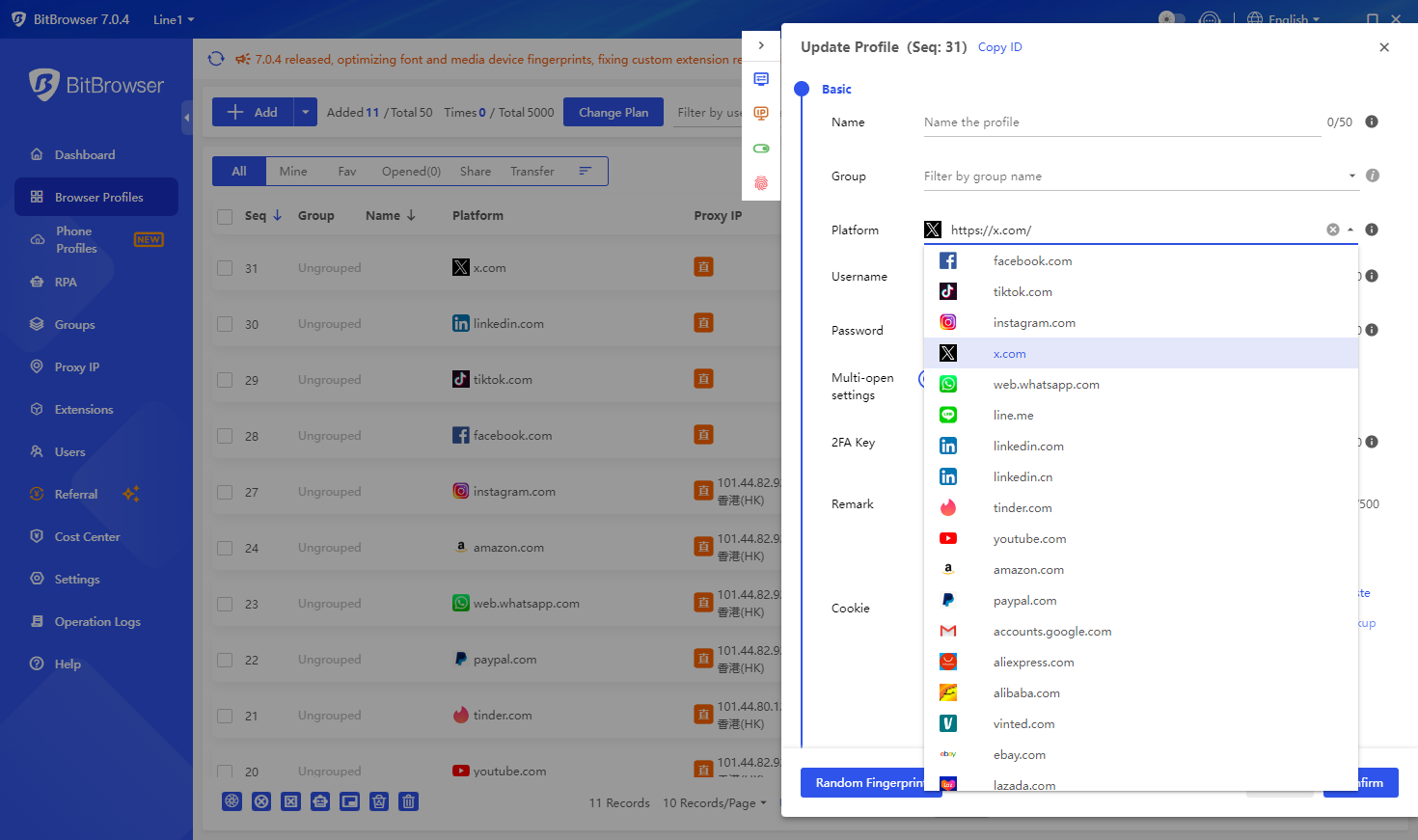
What is the difference between BitBrowser and ordinary browsers?
Ordinary browsers share cookies, storage and fingerprint across tabs, so multiple accounts on the same platform get linked quickly. BitBrowser opens each account in its own sandboxed window with its own fingerprint and proxy, so several accounts on the same site can run side by side without being tied together.
Which businesses are suitable for BitBrowser?
- Cross-border e-commerce: run multiple store accounts on Amazon, Shopee, Lazada, eBay and similar from the same machine
- Social media account maintenance: manage account matrices on Facebook, TikTok, X, Instagram, WhatsApp
- Web3 and crypto: keep wallet and exchange identities separated, with privacy protection at the local level
- Paid ads and SEO: isolate ad accounts and rank-tracking setups so they do not get flagged through shared local information
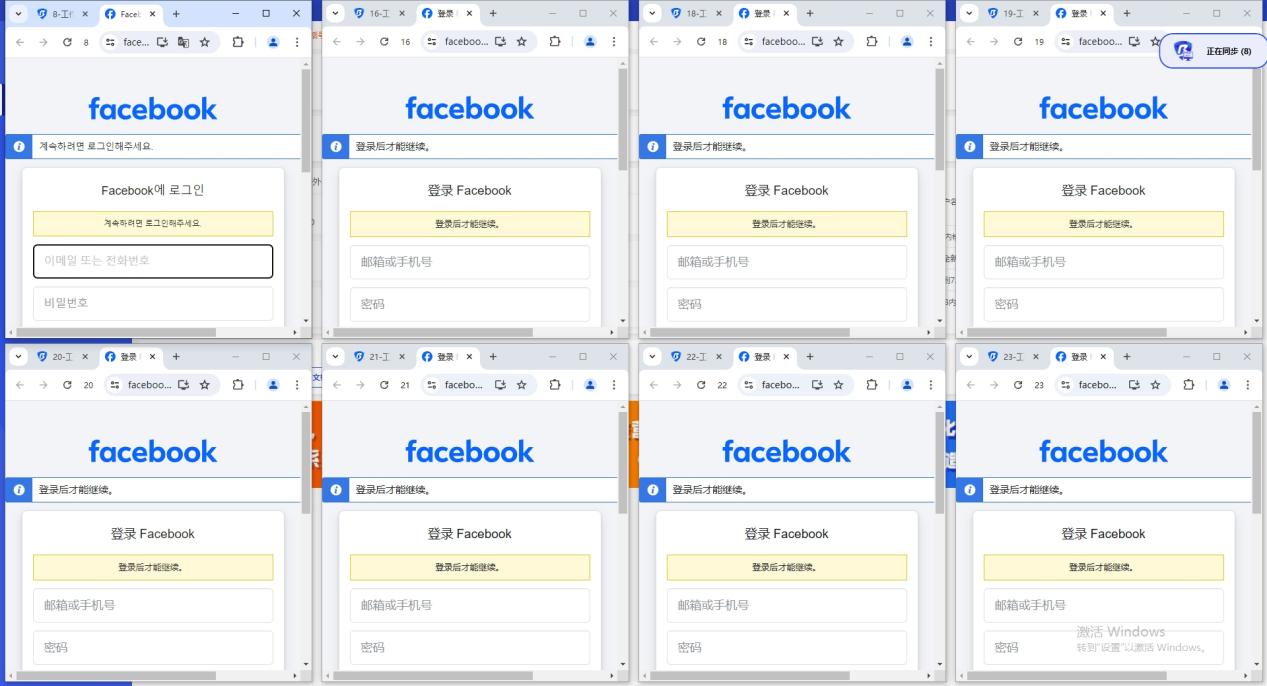
Cloud phone built in
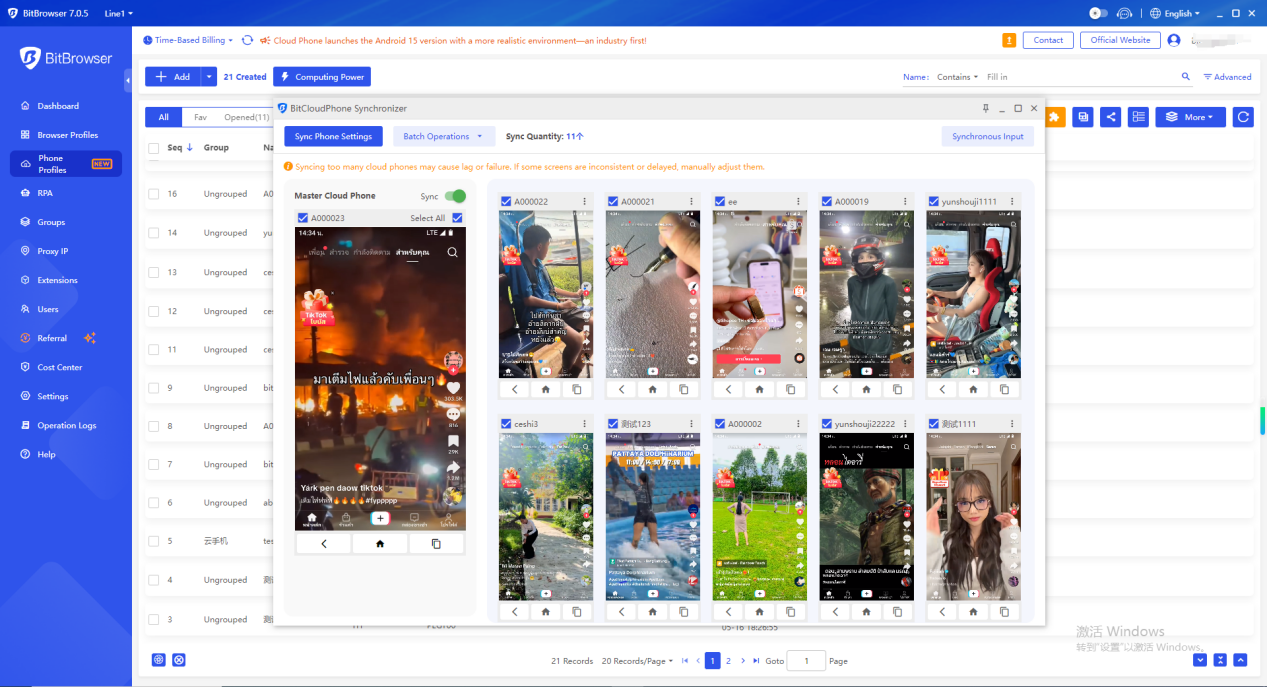
BitBrowser also integrates cloud phone functionality. Real-phone parameters are matched on each device, so one machine can manage many cloud phones cleanly.
Simple configuration: set a proxy and you have a fast, stable mobile environment that can reach global apps, with one-click new-device creation for efficient rotation.
1. Simple and fast phone profile configuration
Real-phone parameters are matched automatically to give each environment a believable overseas device profile. A proxy IP is bound per environment in one click, and Google Play is supported natively so international apps install without sideloading.
2. Vast parameter set, authentic environments
Each cloud phone uses real phone chipsets and matches language, time zone, location, carrier and SIM info to the IP. More than 600 global carriers are supported, with SIM-info simulation and a full set of sensor parameters to round out the device fingerprint.
3. Sub-account permissions for team management
Permissions can be assigned per sub-account, and the number of mobile environments per sub-account can be adjusted on the fly. Sub-accounts run independently from each other so idle resources are reused efficiently, which keeps cost per account low when scaling matrix marketing to overseas customers.
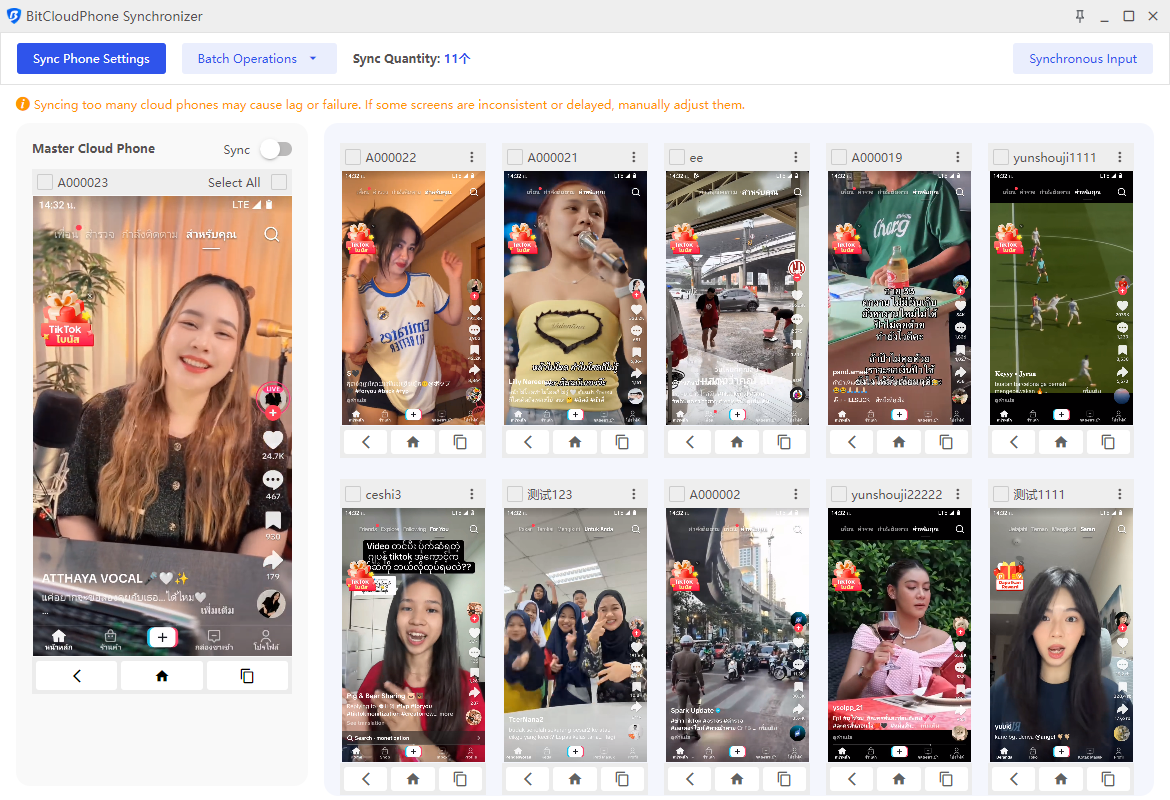
How to use BitBrowser
BitBrowser is permanently free for 10 profiles. Each profile needs a static or dynamic proxy IP attached so the fingerprint can be generated and the window can run in global mode. If no proxy is set, the local connection is used instead. Beyond 10 profiles, a membership package is required.
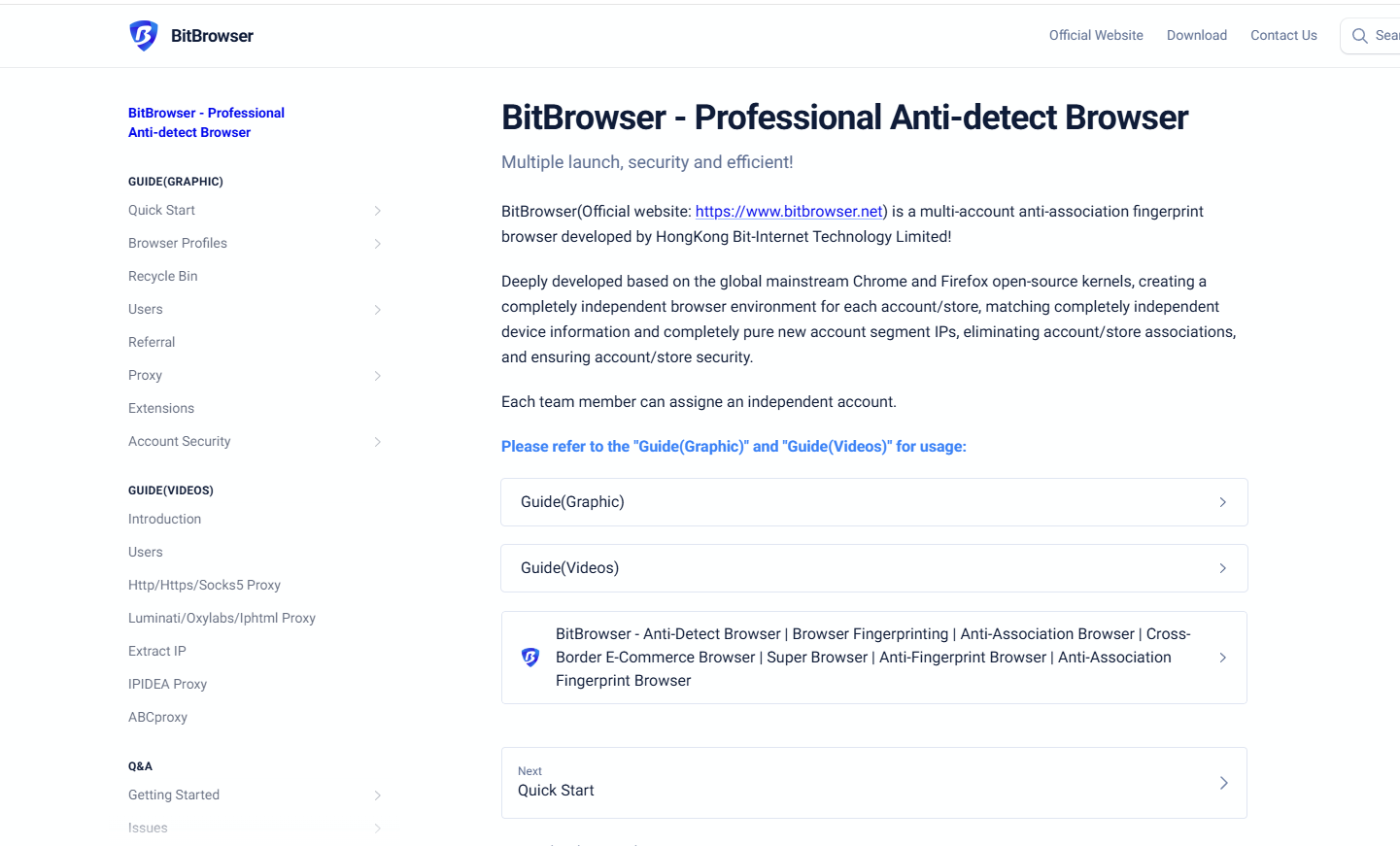
What are the functions of BitBrowser?
Full details on the official website.
- One-click synchronization: drive multiple windows at the same time
- Proxy settings: global proxy environment construction, static or dynamic
- Google / Firefox kernel: switch kernel inside the browser
- RPA automation: build automation programs for repetitive work
- Local API: drive windows and run automation scripts through the local API
- Script market: ecosystem of ready-made scripts from other users and developers
Batch operation functions
- Window batch import / export: create and upload windows in bulk via template
- Cookies batch import / export: download or export cookies across many windows at once
- Batch proxy setting: apply proxy and fingerprint settings across windows in one pass
- Batch remote operation: sub-account, employee allocation and collaborative operation
Summary
BitBrowser fits every cross-border scenario where you need to log in to more accounts without linking them. Multi-account management depends on the anti-detection layer, and BitBrowser delivers that with permanent free access for 10 profiles, team allocation, and proxy support anywhere in the world.
Why pair it with Singapore Mobile Proxy
Anti-detect browsers solve the fingerprint layer. Mobile proxies solve the IP layer. Bind one SMP port per BitBrowser profile and each account sits on its own real Singapore handset, on a real carrier ASN (SingTel, StarHub, M1, Vivifi), with real Singapore geolocation, so the accounts are isolated at both the browser and network layers.